Range translation
Translate selected cells without touching the rest of the sheet.
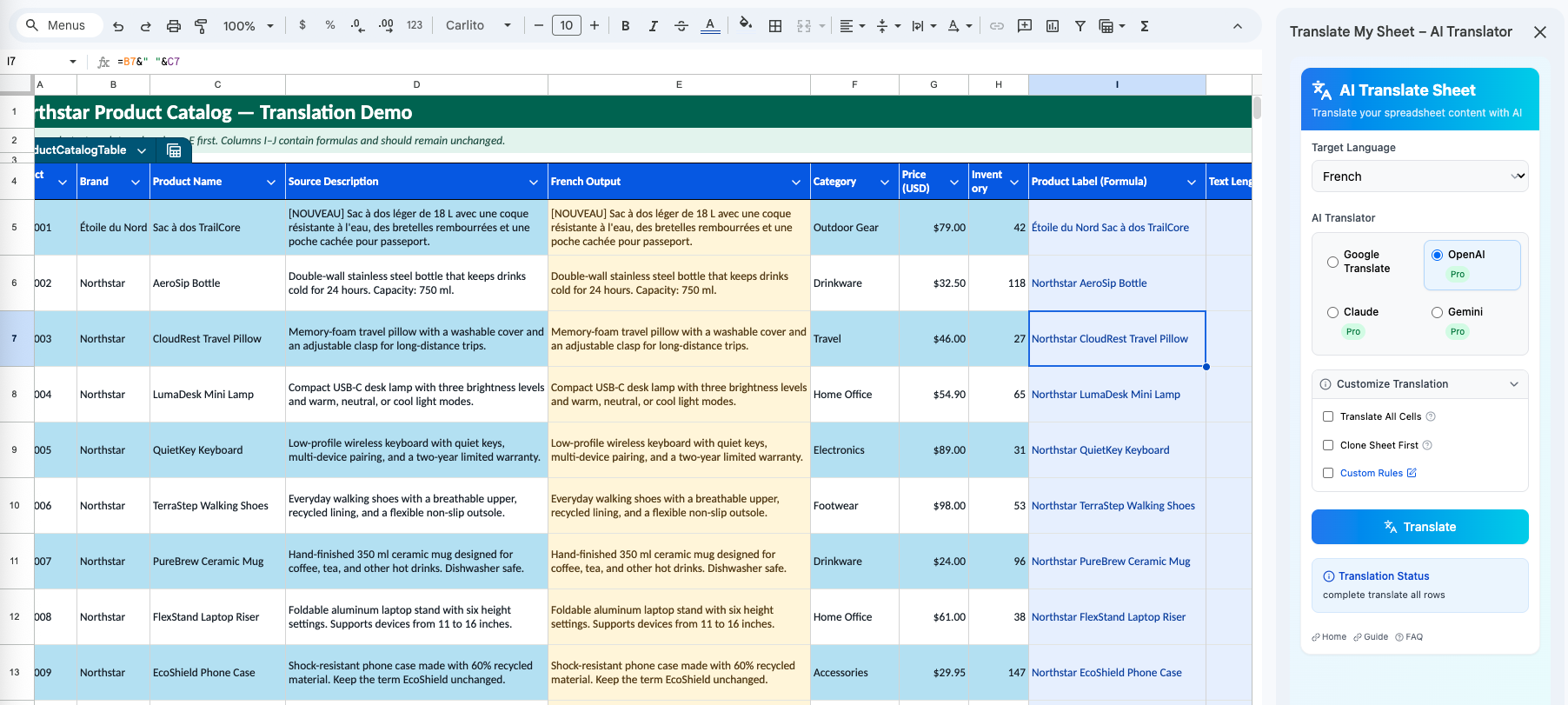
Choose a cell, range, column segment, or set of selected cells and translate only that working area.
Why it matters
A small copy change should not require processing every row in a large spreadsheet.
Precise scope
Use the Google Sheets selection you already made instead of creating a separate temporary document.
Faster test runs
Translate a few representative cells first to compare engines, language choices, or custom instructions.
Same formula protection
Formula cells inside the selected range are detected and skipped.
How it works
Three steps in the sidebar.
- 01
Select the cells
Highlight the exact range you want to translate in Google Sheets.
- 02
Choose Selection
Set the sidebar scope to the selected cells.
- 03
Translate
Choose an engine and target language, then start the job.
Good practice
The add-on translates the current selection. If you change the selection, confirm it before starting another job.
Translate the sheet in front of you.
Install the add-on from Google Workspace Marketplace and start with Google Translate for free.