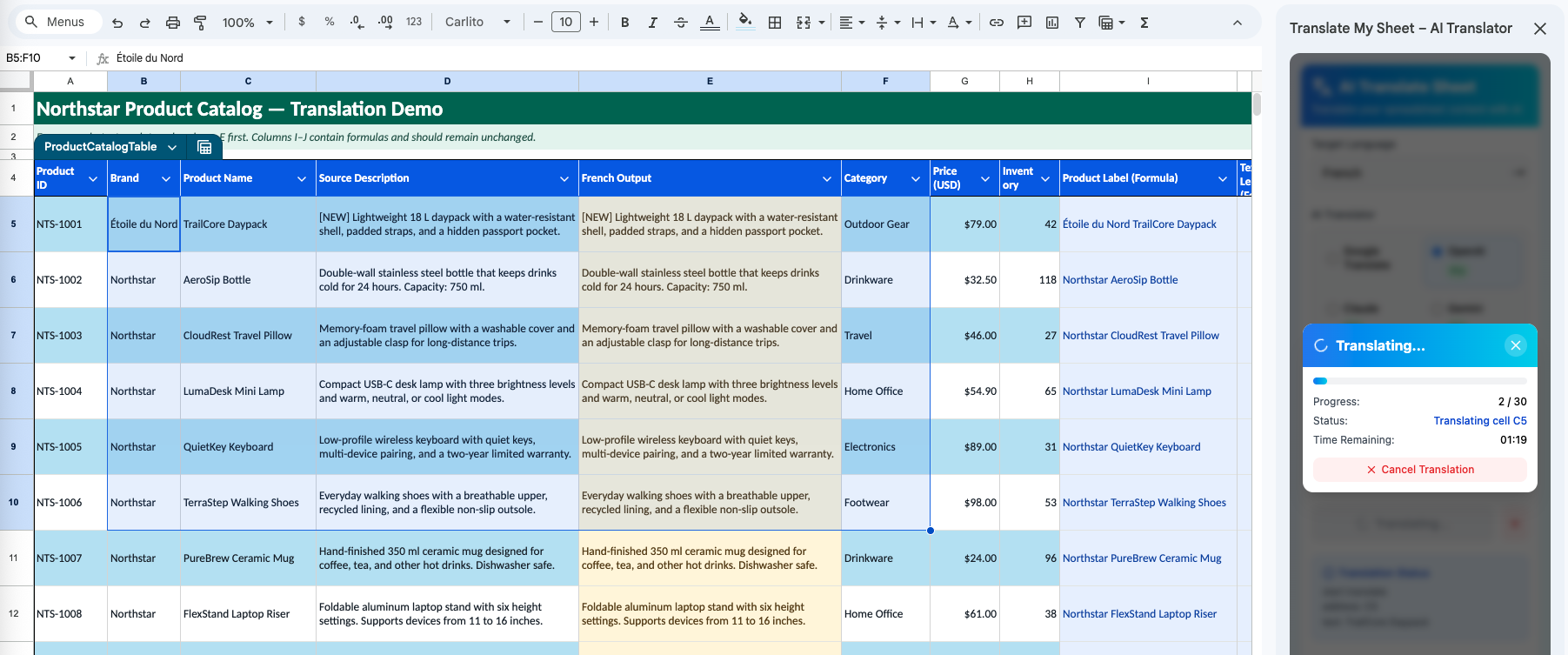
Workflow7 min read
How to Bulk Translate Google Sheets Without Copy-Paste
A practical workflow for translating selected ranges or an entire Google Sheet while keeping formulas out of the translation queue.
Read guide →Guides and workflows
Installation, engine choice, formula-safe workflows, custom terminology, and activation—written for the product that actually ships.
A practical workflow for translating selected ranges or an entire Google Sheet while keeping formulas out of the translation queue.
Read guide →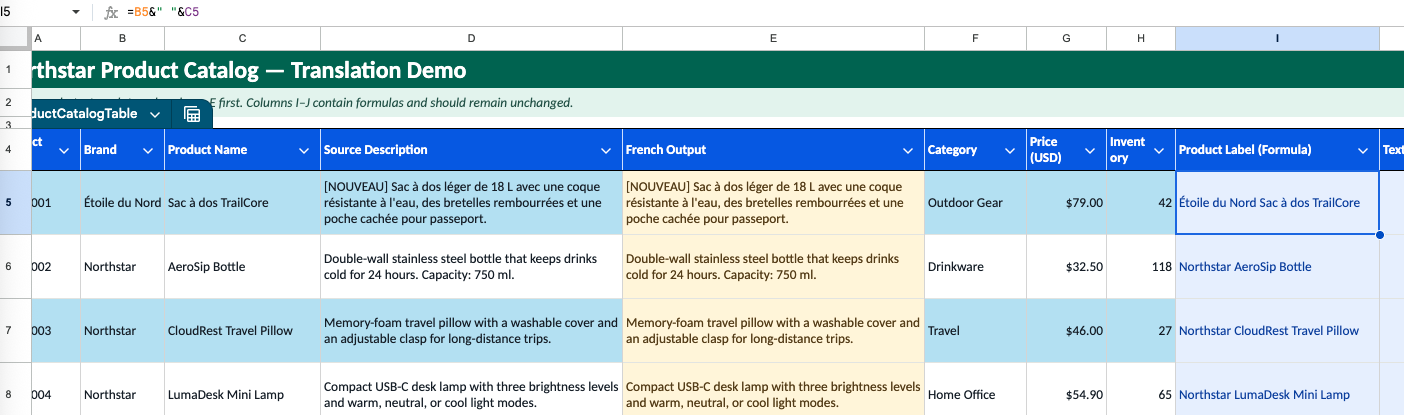
Learn how formula detection and an optional sheet clone reduce risk during selected-range or full-sheet translation.
Read guide →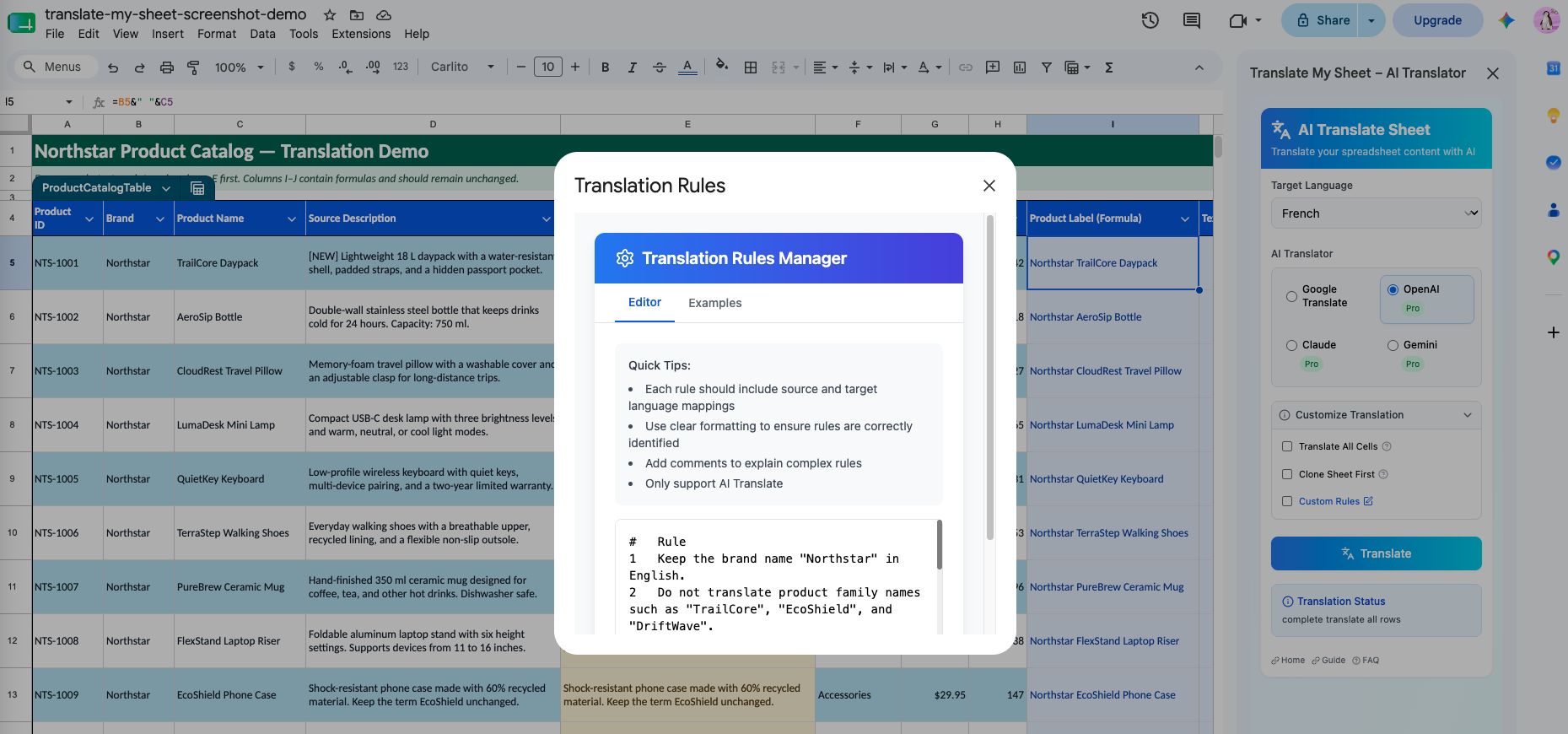
Write useful instructions for brand names, preferred terminology, tone, and words that should remain unchanged.
Read guide →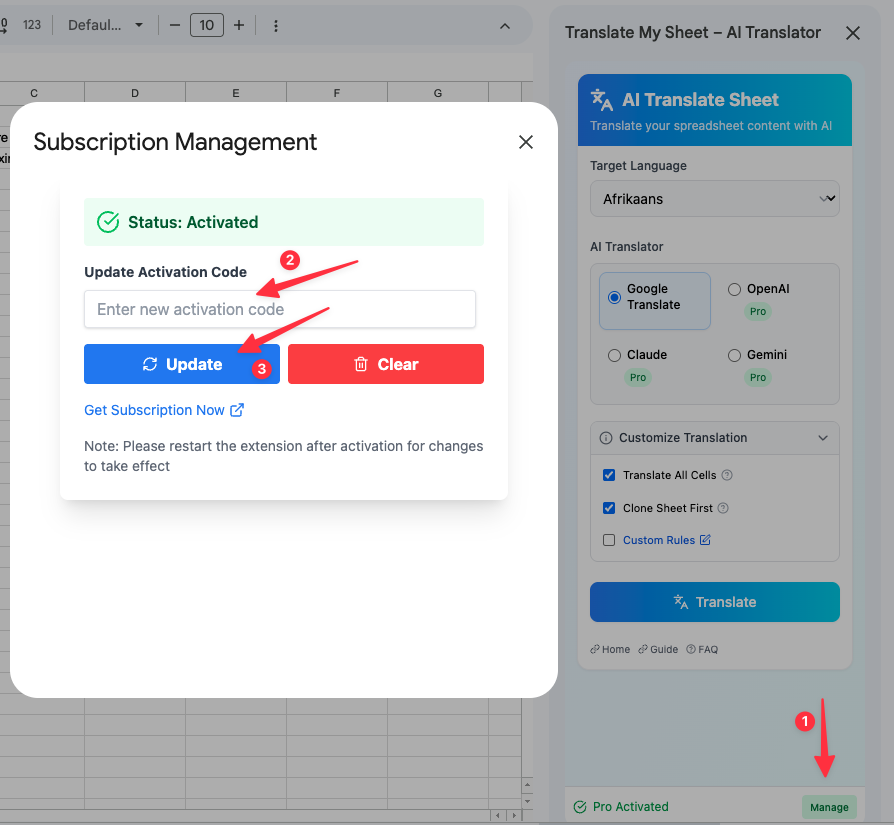
Enter your activation code, enable Pro engines, and confirm the subscription status in Google Sheets.
Read guide →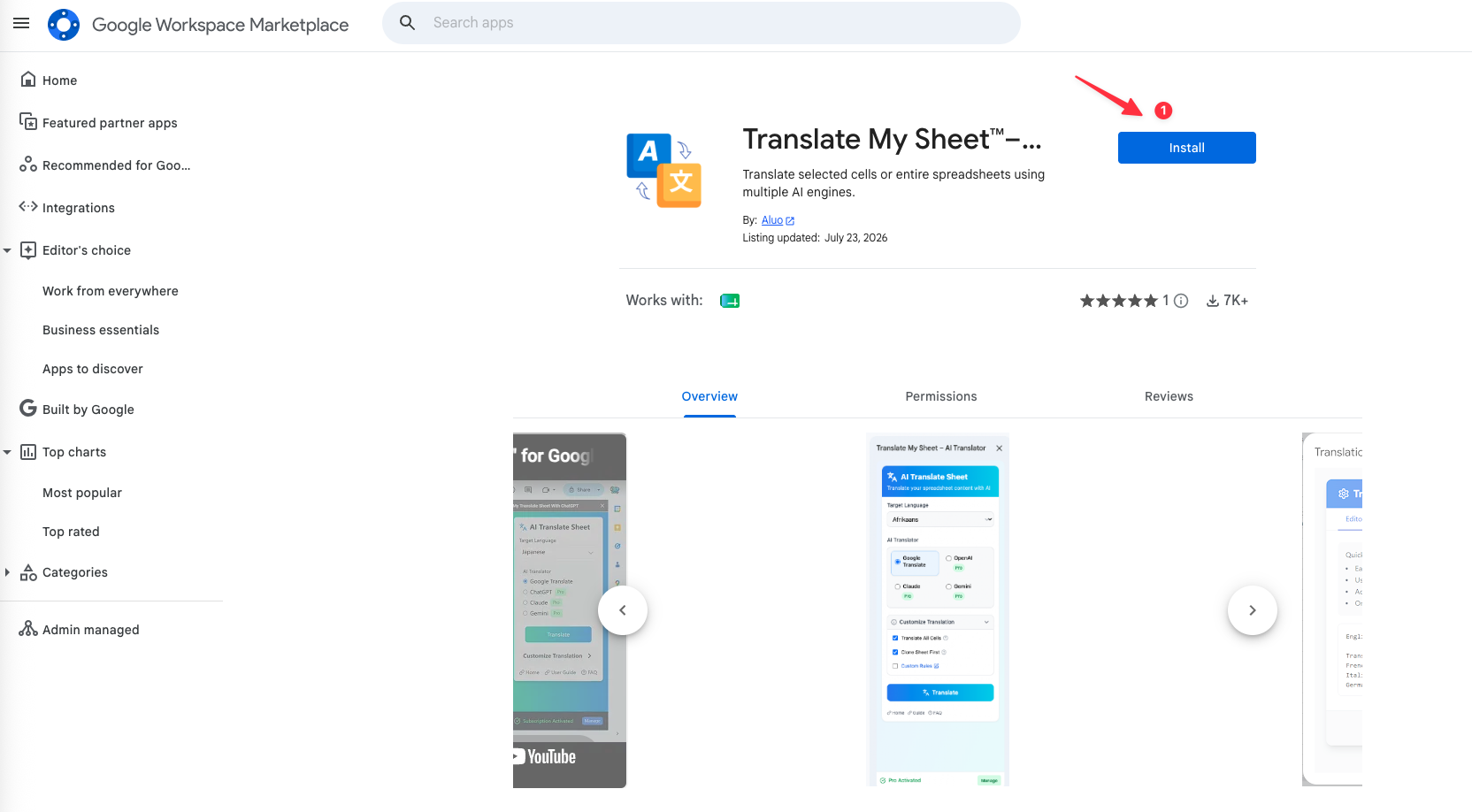
Install the Google Sheets add-on, choose a translation scope and engine, and run your first selected-cell translation.
Read guide →