How to Translate a Google Sheet Without Breaking Formulas
Learn how formula detection and an optional sheet clone reduce risk during selected-range or full-sheet translation.
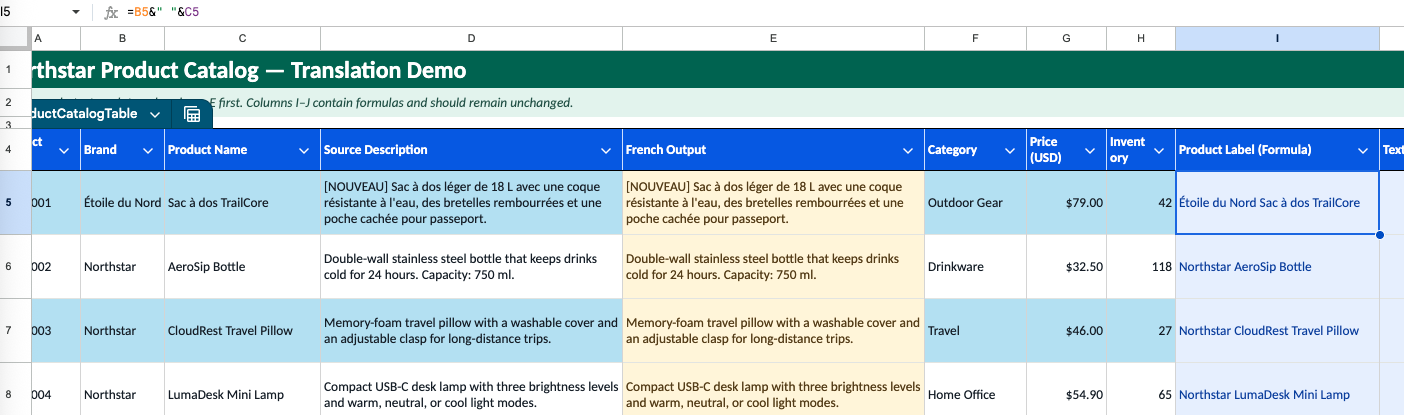
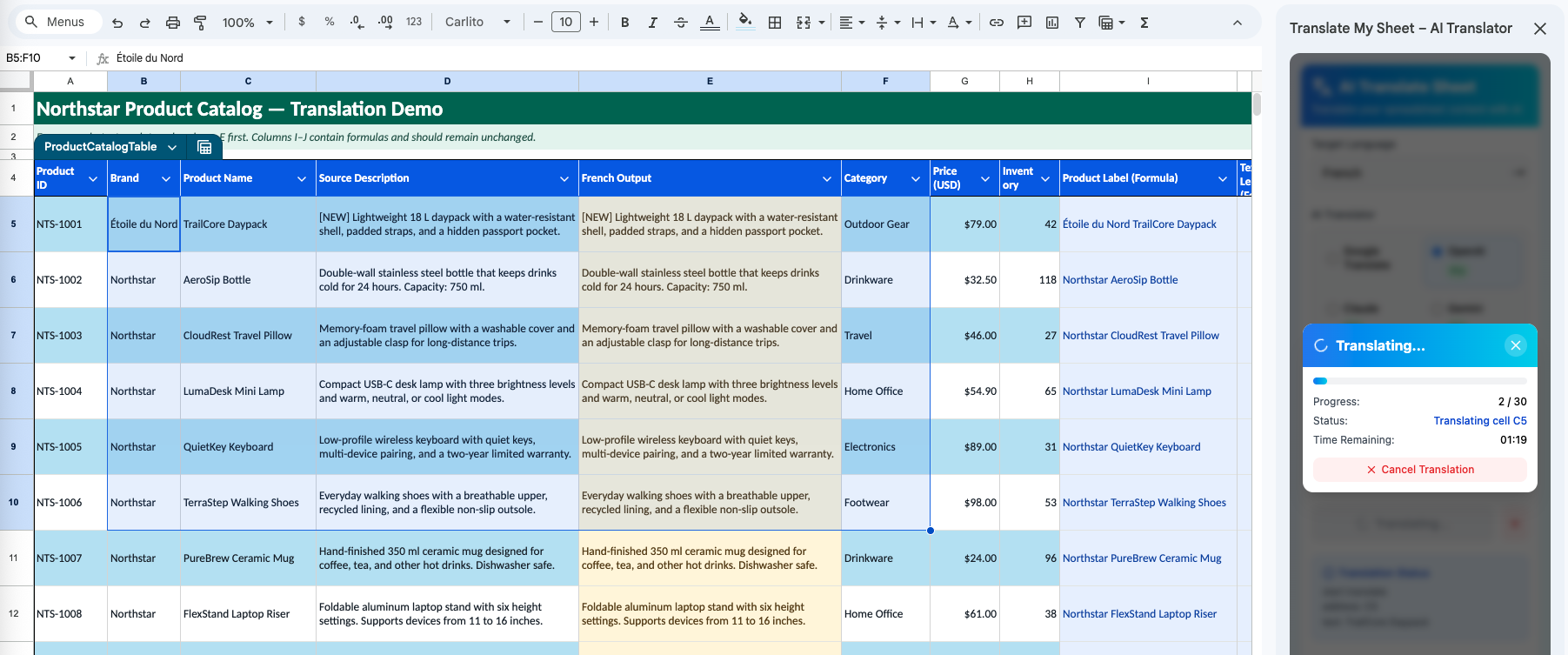
A spreadsheet is not just text. Formula cells, source values, IDs, and review columns often sit beside the copy that needs translation. A safer workflow separates those roles before a bulk job.
What formula protection means
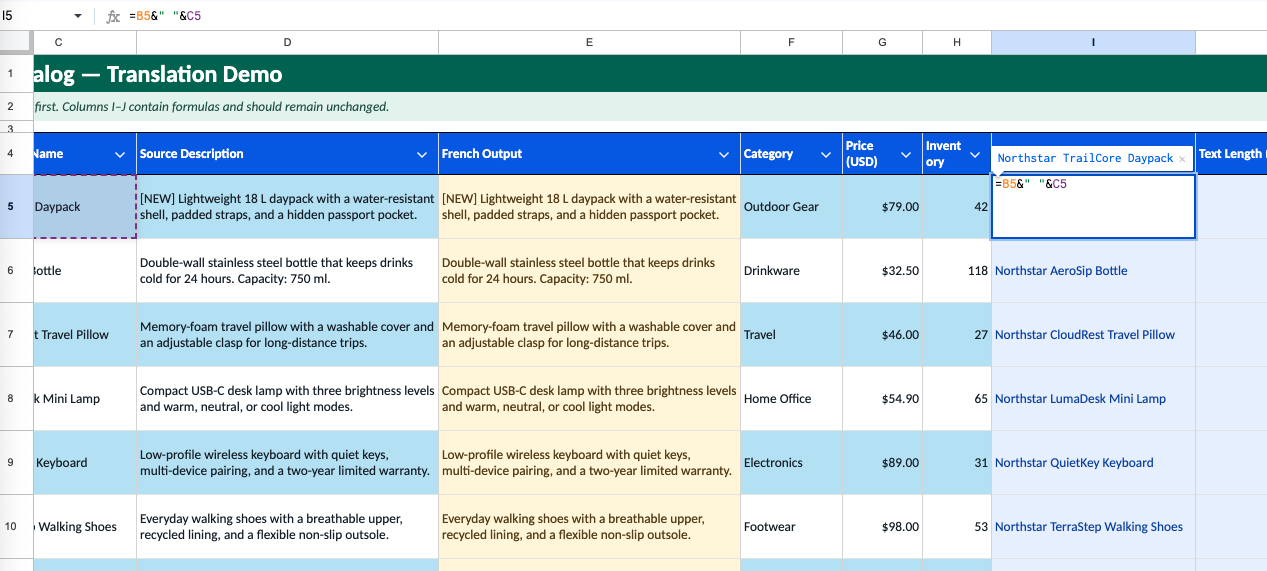
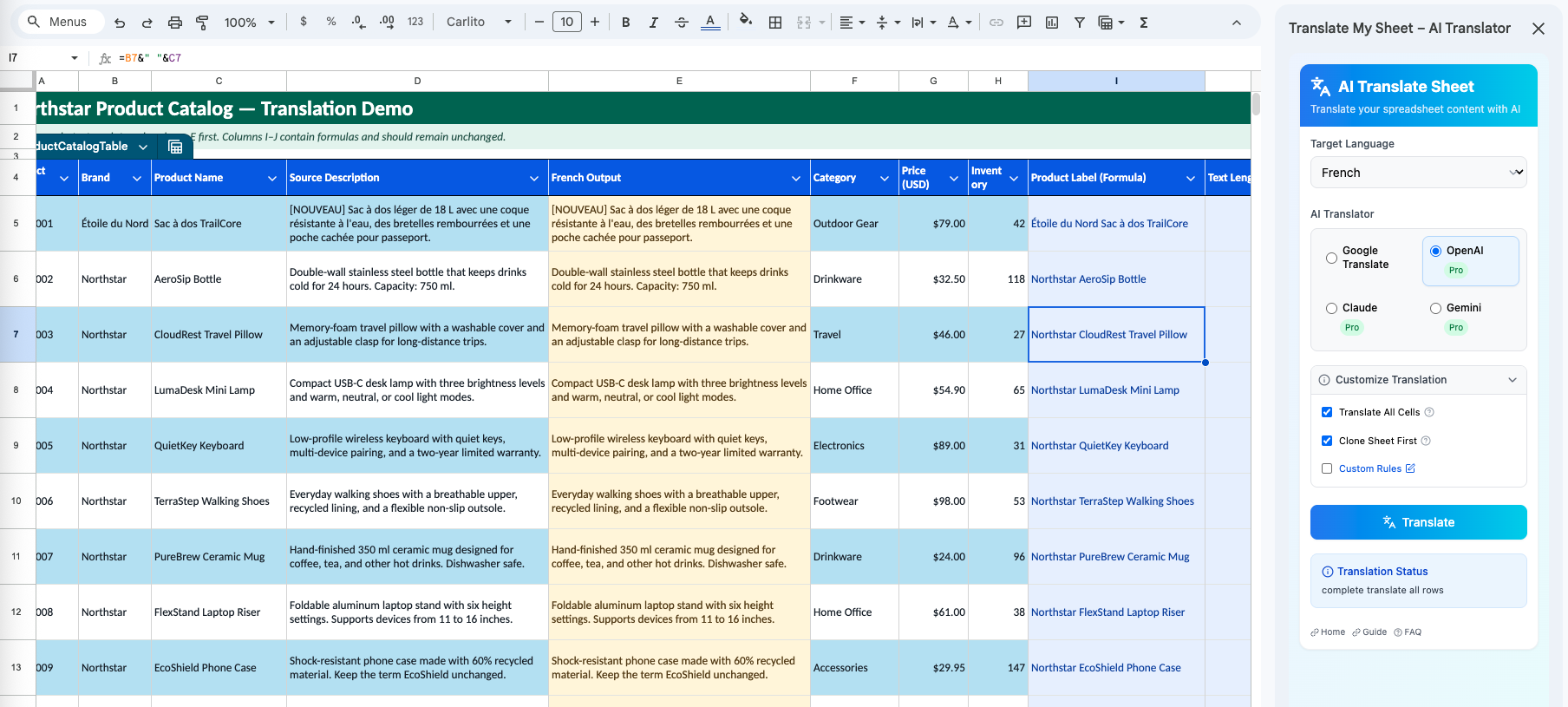
Translate My Sheet checks whether a cell contains a formula and skips that cell during translation. The formula remains in place instead of being replaced with translated text.
Formula detection does not remove the need to review the selected scope. Merged cells, unusual layouts, and downstream business processes may still require a small test before a large run.
Create a rollback point
The add-on includes an option to clone the active sheet before translation. Keep this enabled when the sheet is important or difficult to reconstruct. The clone lives in the same spreadsheet and gives you a direct reference to the pre-translation state.
Use a selected range first
- Select representative text cells that sit near real formulas.
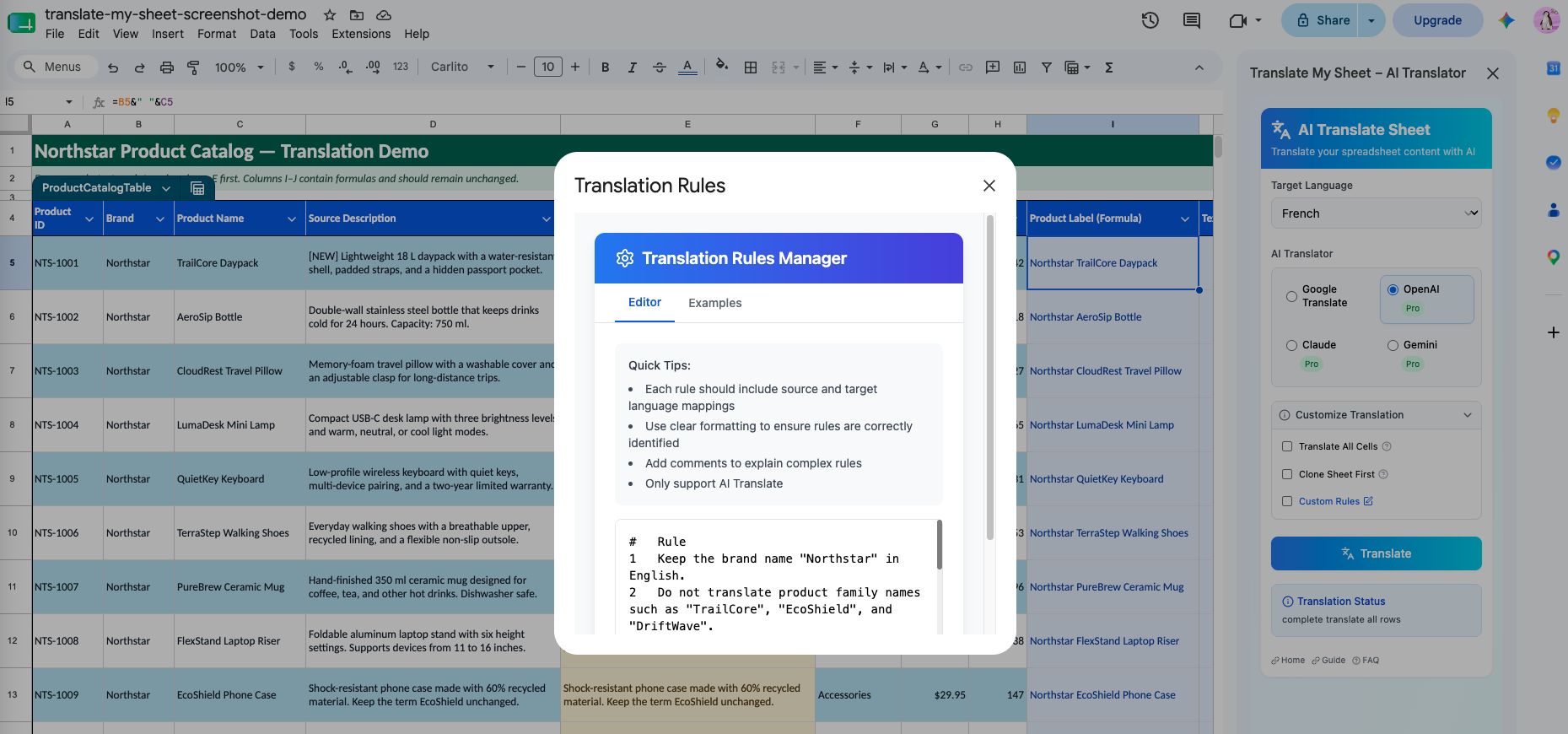
- Choose the intended engine and target language.
- Translate the selection and confirm formulas remain unchanged.
- Review formatting and the translated values.
- Expand to the intended range or active sheet.
Keep source and output easy to compare
For editorial review, many teams keep a source column beside a target-language column. Select only the intended target cells and retain the source until review is complete. This makes meaning and terminology easier to verify.